Spilled Coffee on Your MacBook? What to Do in the First 60 Seconds
A spill on a laptop is a race against electricity and corrosion. Here's what to do in the first minute, the first hour and the next day, and what never to do.

Quick answer
Unplug the charger, then hold the power button until the MacBook shuts off, even if you lose unsaved work. Disconnect any accessories, wipe up what you can, and stand the laptop upside down in a tent shape so liquid drains out of the keyboard. Don't turn it back on or charge it to check if it works, and don't use a hair dryer. Sugary drinks like sweetened coffee, juice and pop leave sticky residue that corrodes the board, so bring it in for cleaning as soon as possible.
- Unplug it, then force it off by holding the power button.
- Drain it upside down in a tent shape. Don't shake it.
- Don't switch it on, charge it or heat it to “test” it.
- Sugary and milky drinks do the most damage. Get it cleaned quickly.
A knocked-over coffee is one of the most common ways a MacBook dies, and one of the most preventable. Liquid on its own rarely kills a laptop. Liquid plus electricity does. So the first minute is about cutting the power, and everything after is about getting the liquid out before it corrodes the board.
The first 60 seconds
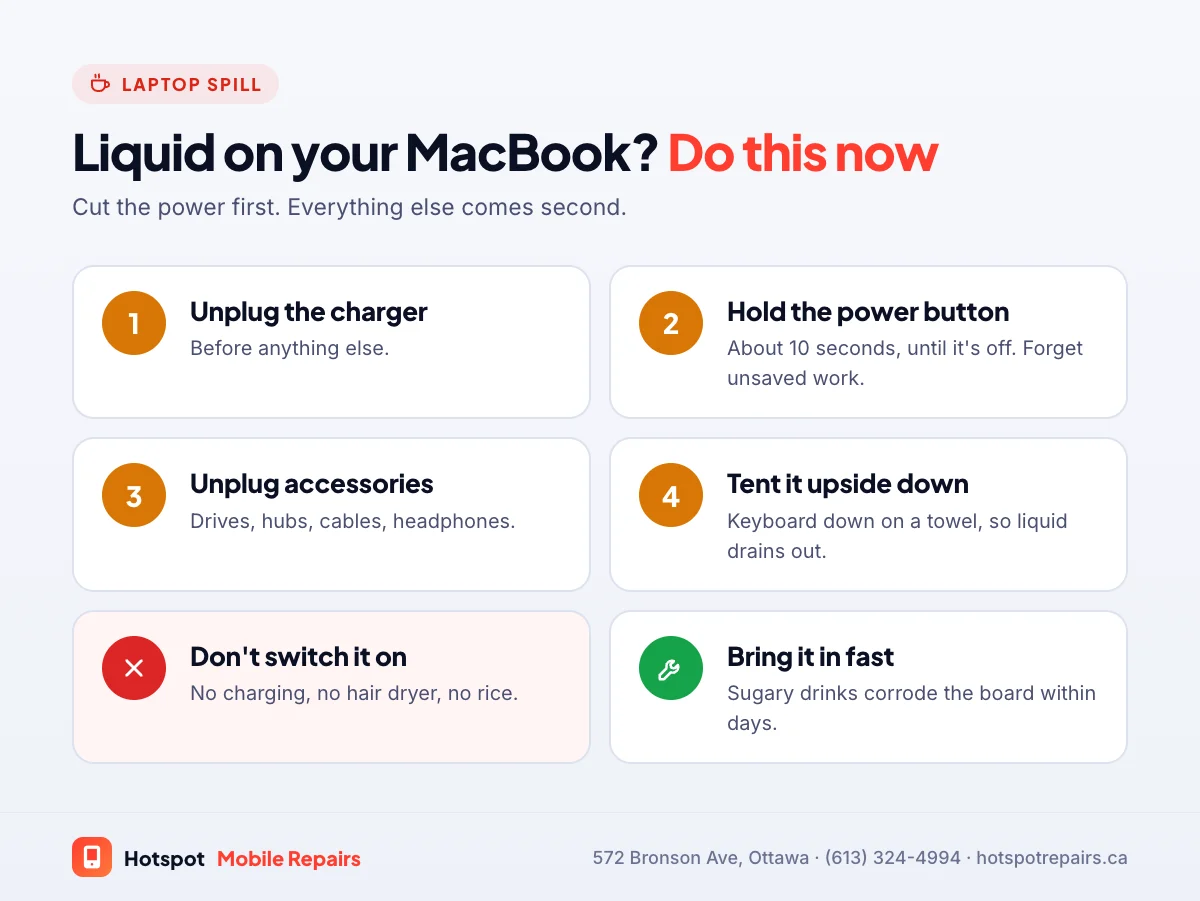
- Unplug the charger.
- Hold the power button for about 10 seconds until the screen goes black. Don't wait to save your work; a forced shutdown is far better than a short circuit.
- Unplug everything else: USB drives, hubs, cables, headphones.
- Tip it upside down, open, in a tent shape on a towel, keyboard facing down, so liquid drains away from the board.
The next hour
- Wipe up what you can reach on the outside with a lint-free cloth. Don't shake the laptop; that spreads liquid across the board.
- Leave it in the tent shape somewhere dry.
- Write down what was spilled and how much. Water, black coffee, sweet coffee, juice and wine all need different cleaning.
What not to do
- Don't switch it on to check. This is the most common mistake we see. Powering a wet board is what causes shorts and fast corrosion.
- Don't charge it.
- Don't use a hair dryer or heater. Heat can damage the battery and the display, and doesn't dry the inside.
- Don't use rice. It can't reach the liquid, and the dust gets in the keyboard.
Why sugary drinks are the worst
Water evaporates. Sugar doesn't. Sweetened coffee, pop, juice and wine leave a sticky film on the board and under the keys that holds moisture and keeps corroding the metal long after the spill looks dry. That's why a laptop can work for a few days after a spill and then fail. Milk adds its own residue too.
Is it covered?
Apple's standard warranty doesn't cover accidental damage. If you have AppleCare+, check your plan, since it covers accidental damage for a fee. Home or tenant insurance sometimes covers laptops too.
What a liquid damage repair involves
We open the MacBook, inspect the logic board, keyboard and trackpad for liquid and corrosion, clean the board in an ultrasonic bath, and repair or replace what the liquid destroyed, sometimes just a few small components and sometimes the keyboard or battery. We do logic board work in-house, and MacBook diagnostics are free. If the battery looks swollen after the spill, keep it off and away from heat; our swollen battery guide applies to laptops too.
What about your files?
On modern MacBooks the storage is built into the logic board and encrypted, so files can't be pulled off a separate drive. Getting them back means getting the board running, which is what the repair aims to do. See how data recovery on modern devices works.
The best protection is a backup you don't have to think about. Apple's Time Machine guide takes a few minutes to set up. For your phone, use our backup checklist, and if your phone took the spill instead, read what to do when a phone gets wet.
Frequently asked questions
Can a MacBook survive a coffee spill?
Often, yes, if it was switched off quickly and is cleaned professionally before corrosion sets in. The longer it runs or sits with liquid inside, the lower the odds.
Should I put my MacBook in rice?
No. Rice doesn't reach the liquid under the keyboard or on the logic board, and its dust can get inside. Keep it off and upside down, and get it cleaned.
How long should I wait before turning my MacBook back on?
Don't turn it on until it's been opened and checked. Liquid can sit under the keyboard and on the board for days, and powering it on is what turns a spill into a short circuit.
Does Apple's warranty cover liquid damage on a MacBook?
Apple's standard warranty doesn't cover accidental damage like spills. AppleCare+ covers accidental damage for a service fee, so check your plan first.
Can you recover my files after a spill?
Often. On modern MacBooks the storage is built into the logic board and encrypted, so recovery means getting the board working again, which is exactly what a liquid damage repair aims to do.
Sources & further reading
- Back up your Mac with Time Machine — Apple Support (Canada)
- Product Service and Repair Information — Apple Support (Canada)
- AppleCare — Apple (Canada)
- Battery safety: Lithium-ion batteries — Health Canada
Prices and details were checked on September 27, 2026. They can change; call us for today's price.